GODIAG GT327 Super DOIP ENET OBD2 ELM327 v1.5 FULL Bluetooth 4.0 Adapter with 3M Copper ENET Ethernet Cable for Android iOS PC
Product Introduction:
GODIAG GT327 SUPER DOIP ENET OBDII ELM327v1.5 full scanner is specially developed for car maintenance technicians, DIY maintenance personnel. The product supports Bluetooth and it adopts ARM core dual-mode Bluetooth communication. The product supports Android and iPhones to connect to the device via Bluetooth for car OBDII diagnosis. It can also be connected to a computer via an Ethernet cable, and used with DOIP and ENET vehicle-specific diagnostic software to perform diagnostic programming and coding operations.
Note: This product does not include software.
Product Features:
Display the Current Vehicle Diagnostic Interface Voltage
If the voltage is lower than 11V, the device will sound an alarm and the user needs to charge the car battery with a dedicated car battery charger. After hearing the alarm, users should not diagnose or program the vehicle, let alone try to start the vehicle to avoid damaging the battery due to excessive discharge.
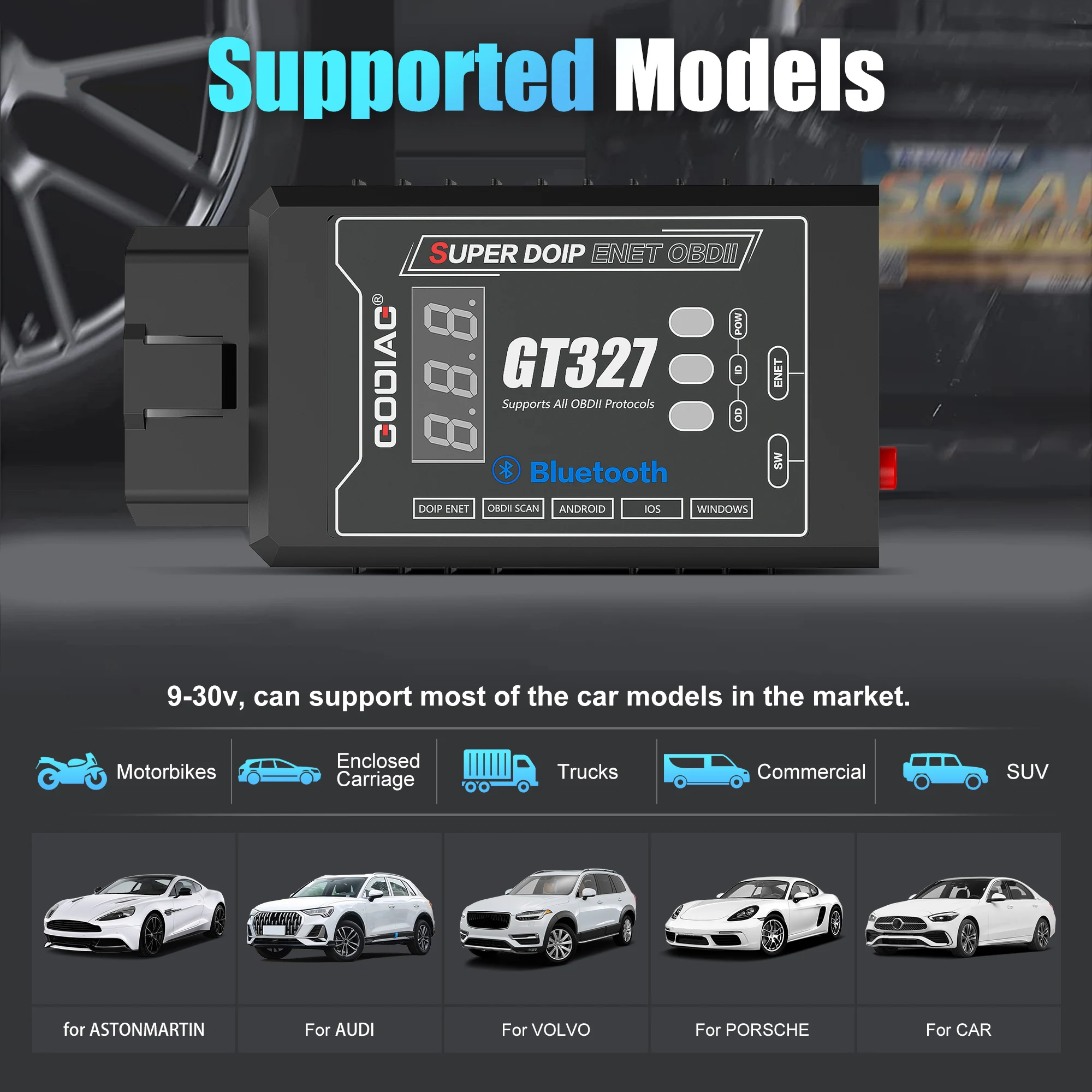
Supports 9-30v motorcycles, cars, trucks, commercial vehicles and SUVs.
Product Functions:
GODIAG GT327 SUPER DOIP ENET OBDII ELM327v1.5 Full Scanner Wireless Bluetooth communications support standard OBD II vehicle diagnostics.
Supported Protocols:
1.SAE J1850 PWM (41.6Kbaud)
2.SAE J1850 VPW (10.4Kbaud)
3.ISO9141-2 (5 baud init, 10.4 Kbaud)
4.ISO14230-4 KWP (5 baud init, 10.4 Kbaud)
5.ISO14230-4 KWP (fast init, 10.4 Kbaud)
6.ISO15765-4 CAN (11bit ID, 500 Kbaud)
7.ISO15765-4 CAN (29bit ID, 500 Kbaud)
8.ISO15765-4 CAN (11bit ID, 250 Kbaud)
9.ISO15765-4 CAN (29bit ID, 250 Kbaud)
Android phone Bluetooth communication diagnostic function and usage steps:
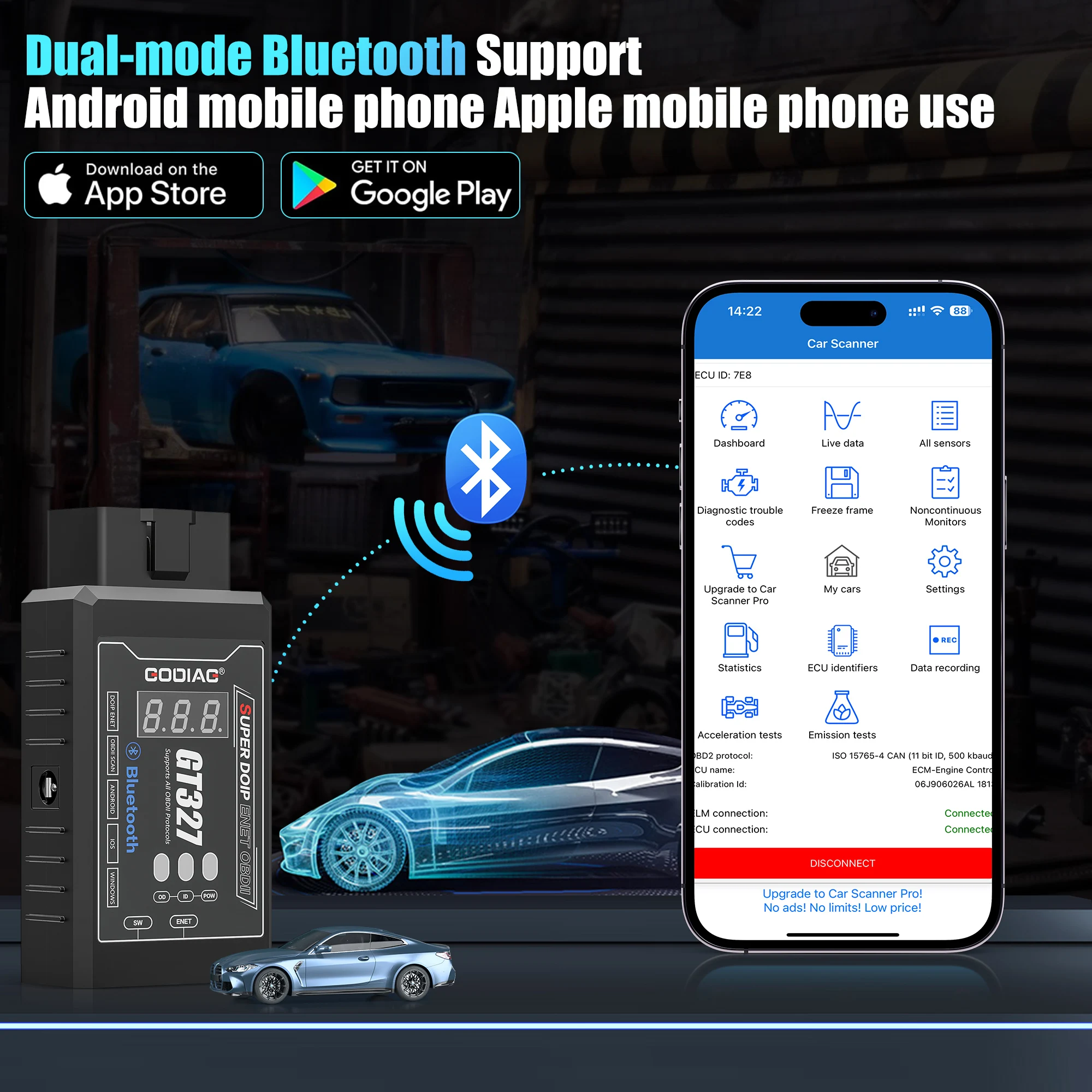
Android phone supported software: Torque, inCarDoc,CarScanner, MotorData OBD, DashCommand, OBD Car Doctor, Auto Doctor, MiniOBDI, EOBD...etc.
Steps:
A. Download and install the diagnostic software on your mobile phone (Torque, CarScanner, MotorData OBD are recommended). The DOIP ENET switch of the device pops up and is in the off state. Do not connect the Ethernet cable【The Ethernet cable can only be used for DOIP ENET computer-specific software.】
B. The device is connected to the vehicle diagnostic interface, and the voltage display screen shows the current OBDII diagnostic interface voltage. The power indicator light is on. If the voltage is lower than 11V, the device will sound an alarm and the user needs to charge the car battery with a dedicated car battery charger.
C. Open the phone settings - turn on Bluetooth - search Bluetooth - select the Bluetooth name [OBD II] and the password is 1234 or 0000 - enter the software after successful matching.
D. For software settings, please refer to the recommended software matching settings video.【Note: The settings for different software are also different.】
iPhone Bluetooth communication diagnostic function and usage steps:
iPhone supported software: free software Car Scanner FasLink X OBDII Scanner ELM327 and many paid software, etc,【This device only supports Bluetooth. Please note that WiFi or dedicated device software cannot be used with this device when downloading and purchasing software.】
Steps
:
A.Download and install diagnostic software on your iPhone (CarScanner and FasLink X are recommended). The DOIP ENET switch of the device pops up and is in the off state. Do not connect the Ethernet cable【The Ethernet cable can only be used for DOIP ENET computer-specific software.】
The device is connected to the vehicle diagnostic interface, and the voltage display screen shows the current OBDII diagnostic interface voltage. The power indicator light is on. If the voltage is lower than 11V, the device will sound an alarm and the user needs to charge the car battery with a dedicated car battery charger.
C. Open the phone settings - turn on Bluetooth (Note: iPhones cannot select Bluetooth for connection and matching in the phone settings)
D, Open the settings of the software on the iPhone, select the OBDBLE Bluetooth name and the password is 1234 or 0000. Refer to the recommended software matching settings video.【Note: The settings for different software are also different.】
SUPER DOIP ENET Connection to computer for use:
It supports diagnostic programming and coding for BMW for Benz, for Volkswagen, for Audi and other vehicles that support DOIP protocol. [no software is provided.]
It can be used for diagnostic programming and coding for Land Rover, for Bentley, for Lamborghini,for JAGUAR for VOLVO, and for Geely vehicles that support DOIP communication. [no software is provided.]
SUPER DOIP ENET Connection to Mobile Phone for use:
Note: DOIP ENET vehicle diagnostics can only be connected via an Ethernet cable
Package includes:
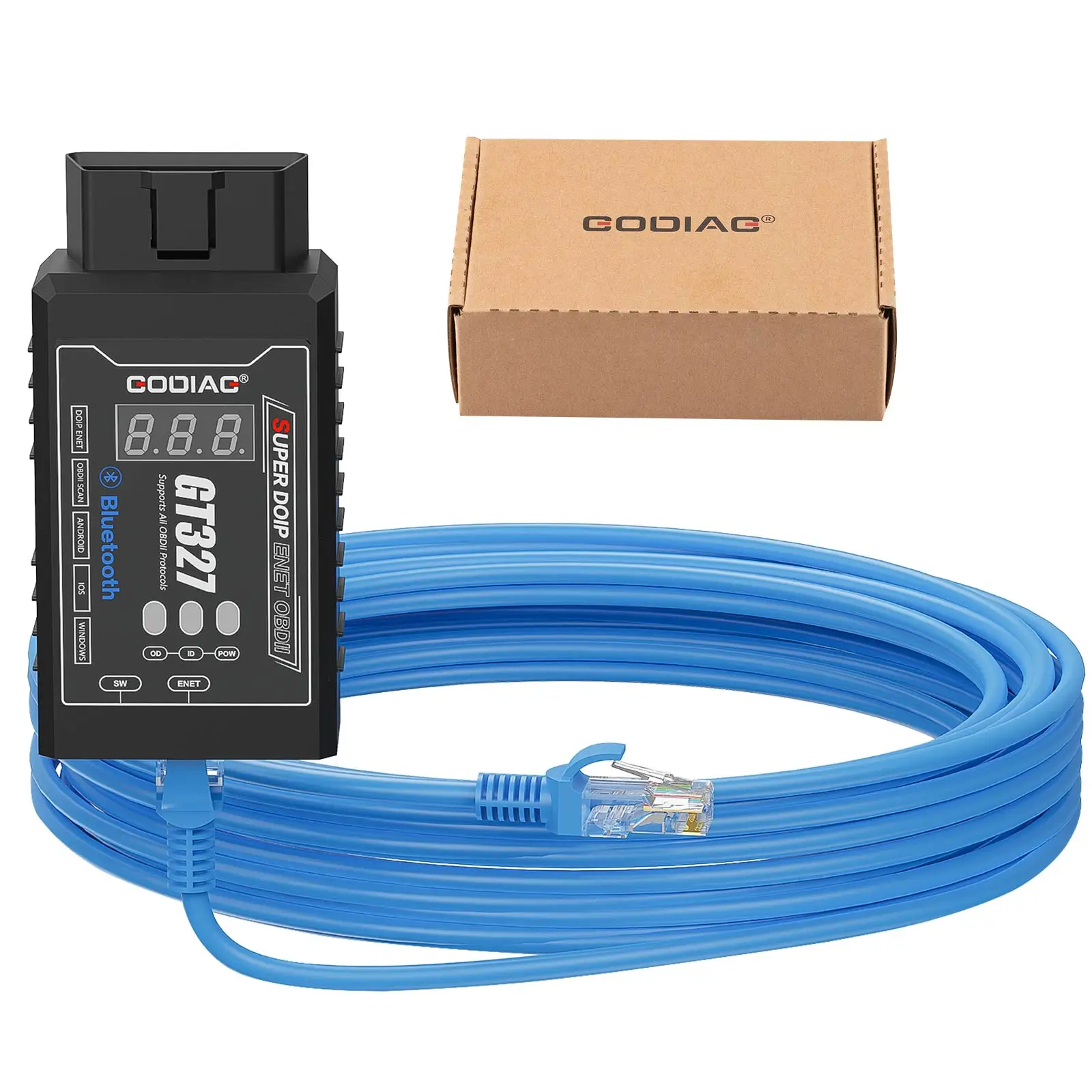
1pc x GODIAG GT327 SUPER DOIP ENET OBDII host
1pc x ENET Ethernet cable (3 meters long)
1pc x PDF manual

The step to creat an account to see our products price and shopping: